
✔️100% authentic and unique key
✔️All languages version support.
✔️Online update support.
✔️Lifetime effective
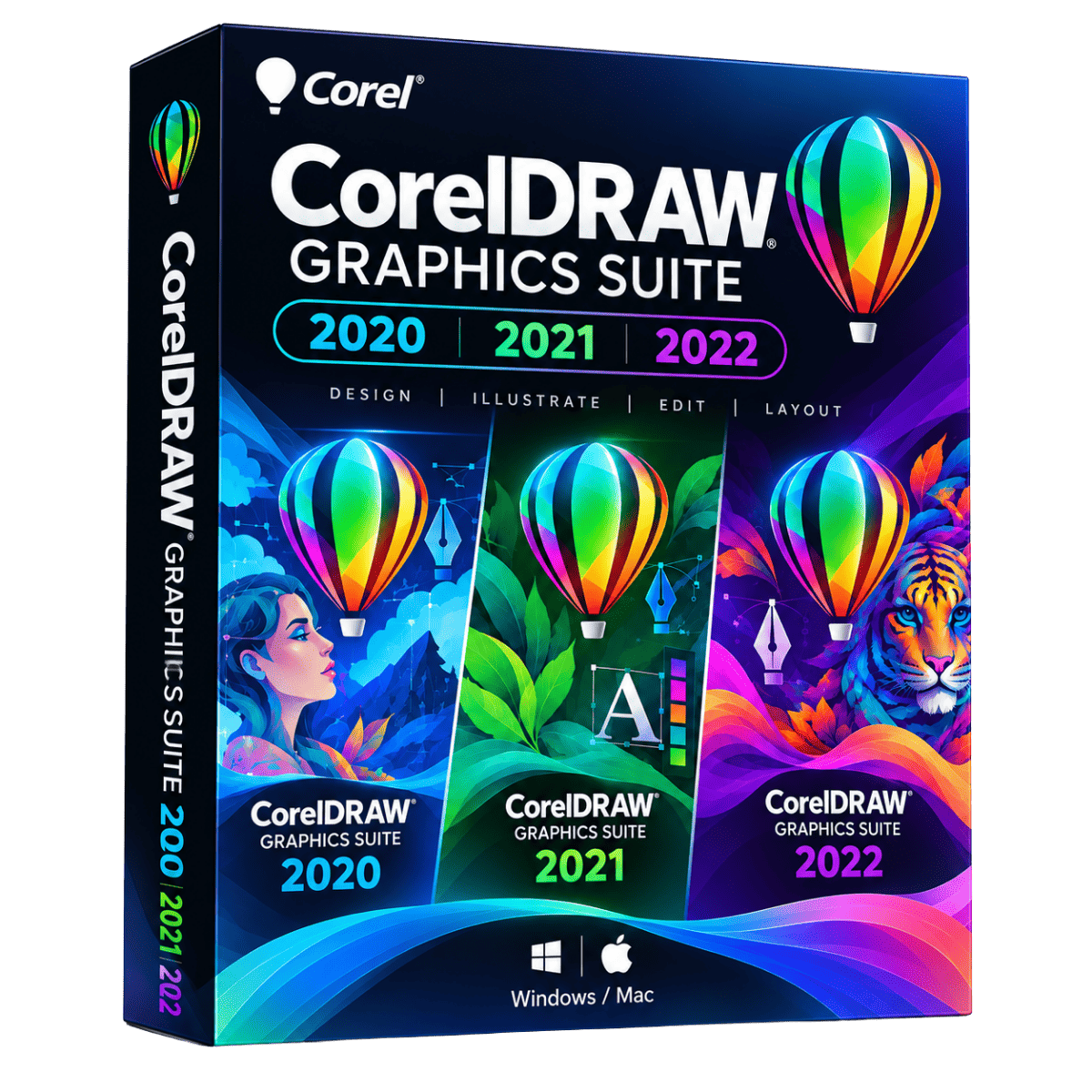
✔️Available Editions 2020,2021 & 2022
CorelDRAW Graphics Suite 2022
Are you ready to take your creative designs to the next level? Look no further than CorelDRAW Graphics Suite 2022! This software package is not only comprehensive, but it’s also incredibly powerful. You’ll be amazed at how easily you can unleash your creativity and design with confidence.
What sets CorelDRAW Graphics Suite 2022 apart from other graphic design software is its intuitive and user-friendly interface. It doesn’t matter if you’re a beginner or an experienced designer – you’ll be able to create professional-quality designs with ease. You’ll have access to CorelDRAW, a vector-based illustration software that allows you to create precise and scalable artwork, and Corel PHOTO-PAINT, a powerful image editing tool that lets you retouch, enhance, and manipulate photos.
But it doesn’t stop there! CorelDRAW Graphics Suite 2022 also boasts several advanced features and enhancements that are sure to impress. For instance, the new AI-powered Trace feature allows you to quickly and accurately trace raster images into editable vector graphics. This feature will save you loads of time and effort, especially when working with complex or detailed photos.
So don’t hesitate – try CorelDRAW Graphics Suite 2022 today and see for yourself how it can transform your designs! With its comprehensive tools and user-friendly interface, you’ll be able to create stunning graphics, illustrations, layouts, and more with ease.

| All the tools you need to tackle any project |
| CorelDRAW®
Vector illustration and page layout |
| Create anything and everything with this powerful, full-featured graphic design application for vector illustration, page layout, and more. |
| CAPTURE™
Screen capture |
| Capture and save images of your computer screen, including the entire screen, individual windows, or menu lists, in one click. |
| Corel PHOTO-PAINT™
Image editing and pixel-based design |
| Process images in high gear with the robust AI-powered Corel PHOTO-PAINT and enjoy an integrated workflow with CorelDRAW. |
| Corel® Font Manager
Font exploration and management |
| Organize and manage your font library with the simple yet intuitive, Corel Font Manager, and use your favorite fonts without needing to install them. |
| CorelDRAW.app™
Browser-based vector illustration and graphic design |
| Use CorelDRAW.app on the web or iPad for convenient collaborative file review or to design on the go. |
| AfterShot™ HDR
RAW photo editor |
| Make professional-grade corrections and enhancements to RAW or JPEG photos and create high-dynamic range images with AfterShot HDR. Available in English, German, and Japanese |
Here are some reasons why you need it:
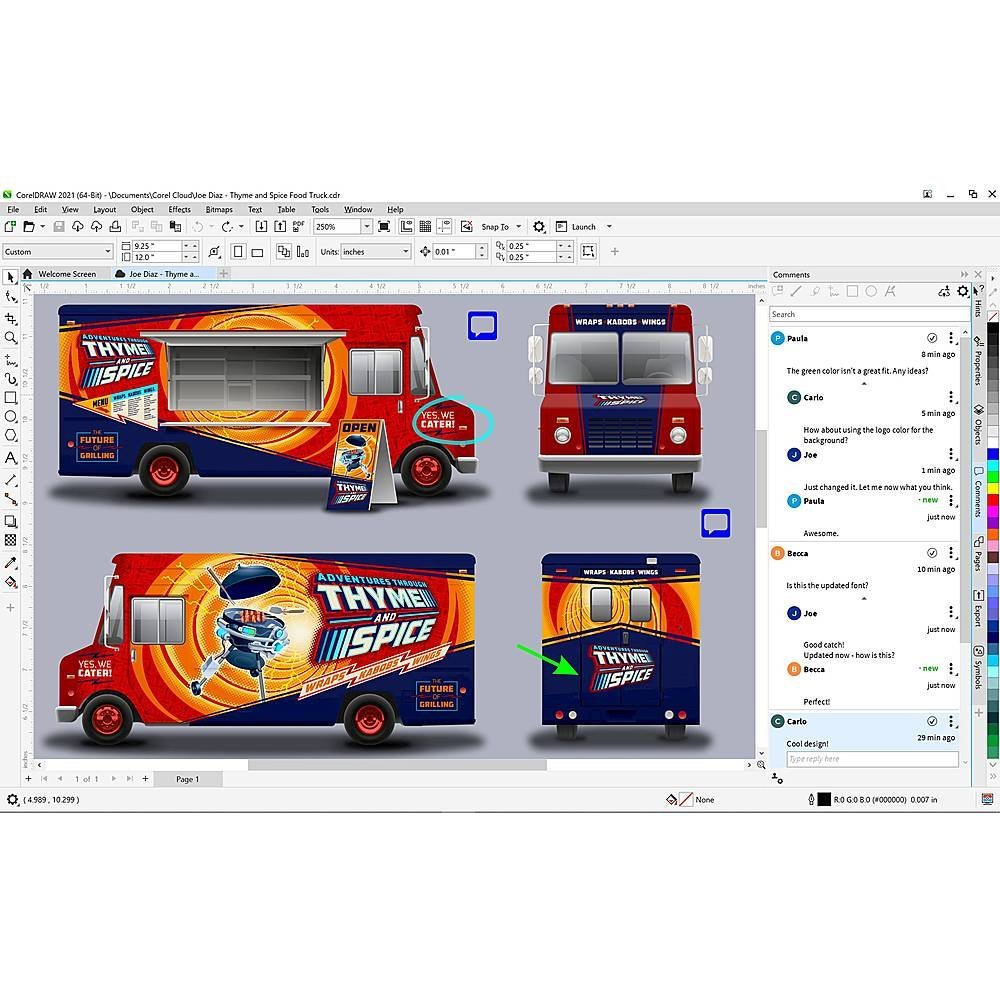 |
‣ Powerful Design ToolsCorelDRAW Graphics Suite 2021 provides a complete set of tools for creating vector illustrations, layout designs, photo editing, typography, and more. With its intuitive interface and easy-to-use tools, you can create stunning visuals for print, web, or social media effortlessly.
|
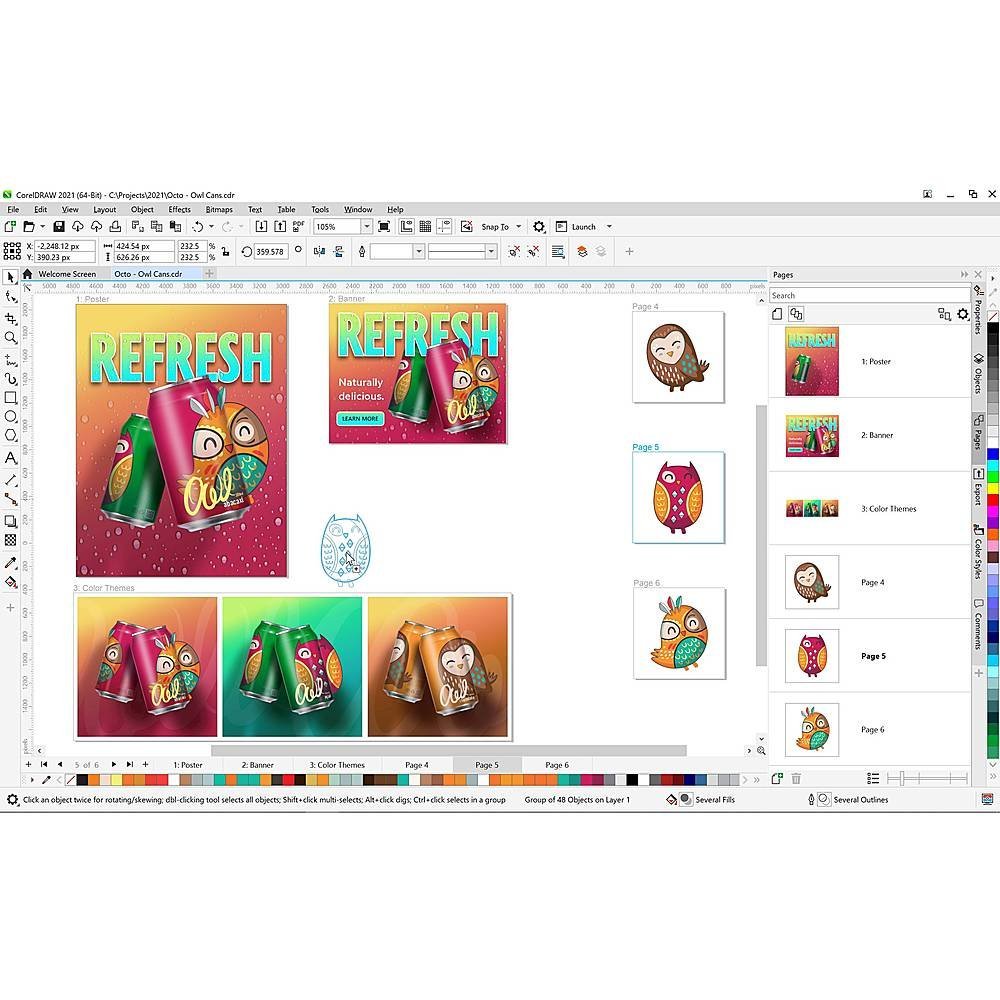 |
‣ Enhanced Collaboration:CorelDRAW Graphics Suite 2021 makes collaboration easier than ever with its innovative features. You can now collaborate in real-time with other designers or clients, making it perfect for team projects or working with remote teams. Plus, it’s compatible with popular file formats, ensuring seamless collaboration with other design software.
|
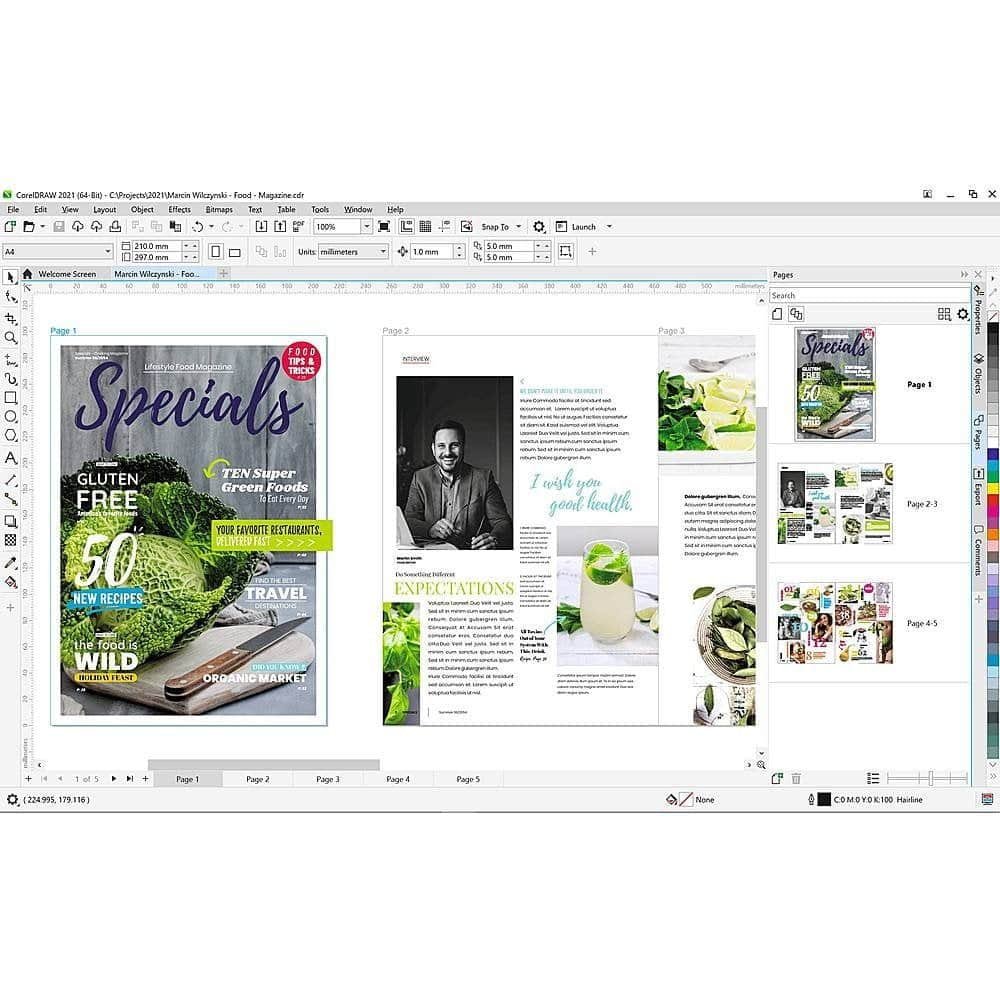 |
‣ Fresh Content and Templates: CorelDRAW Graphics Suite 2021 comes with a wealth of creative content, including thousands of high-quality cliparts, fonts, images, and templates, to jumpstart your design projects. You can easily customize these assets to match your style or brand, saving you time and effort in creating designs from scratch.
|
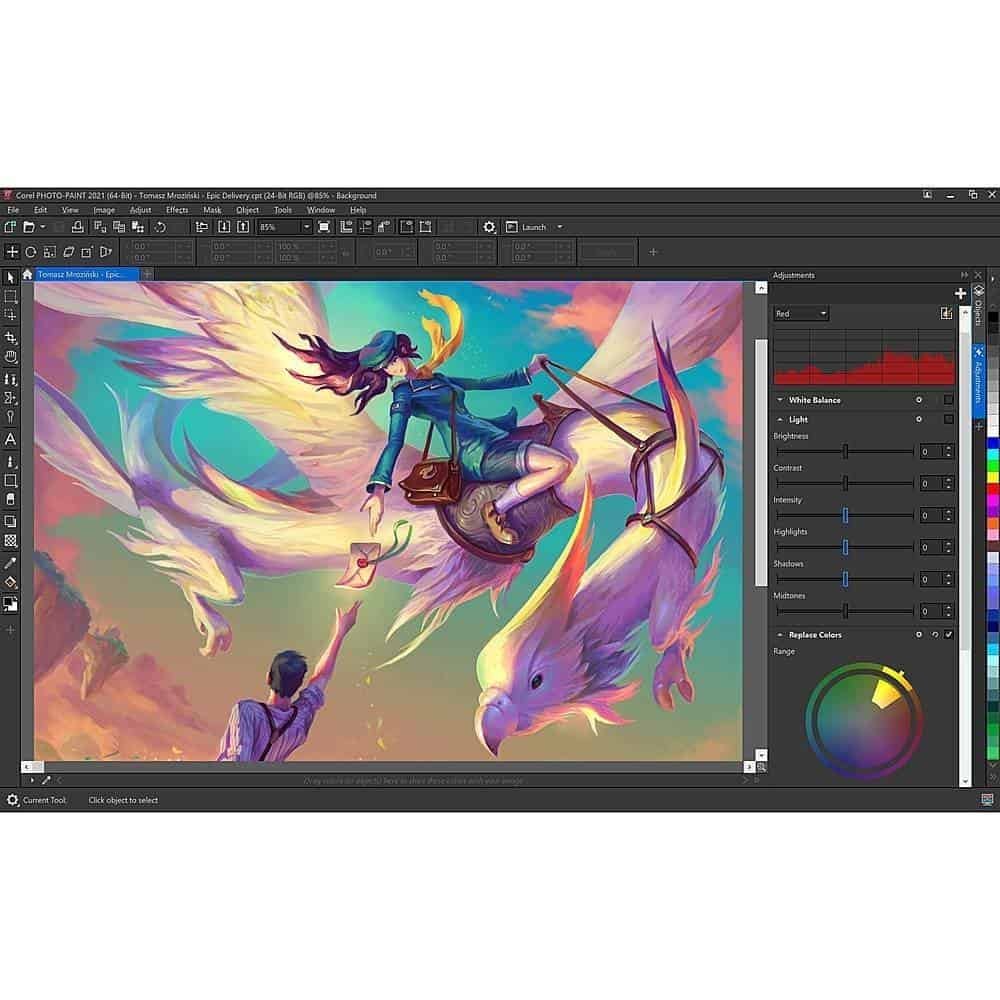 |
‣ Enhanced ProductivityCorelDRAW Graphics Suite 2021 offers numerous productivity-enhancing features to streamline your design workflow. From the ability to apply effects to objects on multiple pages at once, to the new perspective drawing tools, and improved performance, you’ll be able to create designs faster and more efficiently.
|
Specifications and Compatibility
- Windows 10*, Windows 8.1 or Windows 7, in 64-bit or 32-bit**, all with latest Updates and Service Packs
- Intel Core i3/5/7/9 or AMD Ryzen 3/5/7/9/Threadripper, EPYC
- OpenCL 1.2 capable video card (recommended)
- 4 GB RAM
- 4 GB hard disk space
- Multi-touch screen, mouse, or tablet
- 1280 x 720 screen resolution at 100% (96 dpi)
- Microsoft Internet Explorer 11 or higher
- Microsoft.NET Framework 4.7.2
- Internet connection is required to install and authenticate CorelDRAW Graphics Suite and access some of the included software components, online features, and content.
| EDITIONS | 2020, 2021, 2022 |
|---|---|
| CHOOSE OS | WINDOWS, MAC |
Related products