
✔️ 100% Genuine License.
✔️ Single User ID.
✔️ Windows & Mac Compatible.
✔️ One Year License
✔️ Instant Delivery.
Product Overview
Enscape is a leading real-time rendering and visualization tool that empowers architects, designers, and 3D artists to create photorealistic images, animations, and immersive VR experiences directly from their design models. With a 1-Year Account & Password plan or a 1-Year Commercial User ID License, you get genuine access to professional-grade rendering features, instant updates, and seamless integration with top design software.
Choose Account & Password for quick setup and easy login or Commercial User ID License for added security, flexibility, and commercial-grade support. Both options deliver full access to Enscape’s rendering engine, live updates, and VR features for a faster and more efficient design workflow.
Key Features of Enscape
- Full commercial License for single user ID – Secure, genuine License tied to your registered ID for professional use.
- Enhanced rendering engine with advanced optimization – Achieve faster and more efficient rendering workflows.
- GPU-accelerated rendering for faster results – Utilize powerful GPU performance for smooth, real-time rendering.
- Cloud rendering support for large projects – Render heavy scenes with ease using cloud-based capabilities.
- Integration with 3ds Max, Maya, SketchUp, Rhino, Revit, Cinema 4D – Works seamlessly with industry-leading 3D software.
- Advanced material, lighting, and texture management – Create ultra-realistic environments with detailed control.
- Interactive and real-time scene adjustments – Preview changes instantly for improved productivity.
- Priority technical support and regular updates – Get premium support and stay updated with the latest features.
Comparison Between Enscape Solo & Enscape Commercial
| Feature | Enscape Solo | Enscape Commercial |
| License Type | Account login with password | Commercial License tied to User ID |
| Best For | Individual designers, freelancers | Studios, teams, and enterprises |
| Setup & Activation | Quick setup, easy login | Secure activation tied to registered ID |
| Support Level | Standard support | Premium support with priority assistance |
| Flexibility | Single-user access | Team-friendly, multi-device flexibility |
| Security | Basic | Advanced & enterprise-grade |
System Requirements
Enscape is optimized for Windows 10+ (64-bit) and macOS Monterey+ (Apple Silicon & Intel Macs).
- CPU: Intel Core i5/Ryzen 5 or higher (Quad-core+ recommended)
- GPU: NVIDIA GTX 1660 / RTX Series or AMD equivalent with 4GB+ VRAM
- RAM: 8 GB minimum (16 GB recommended)
- Storage: 5 GB of available space
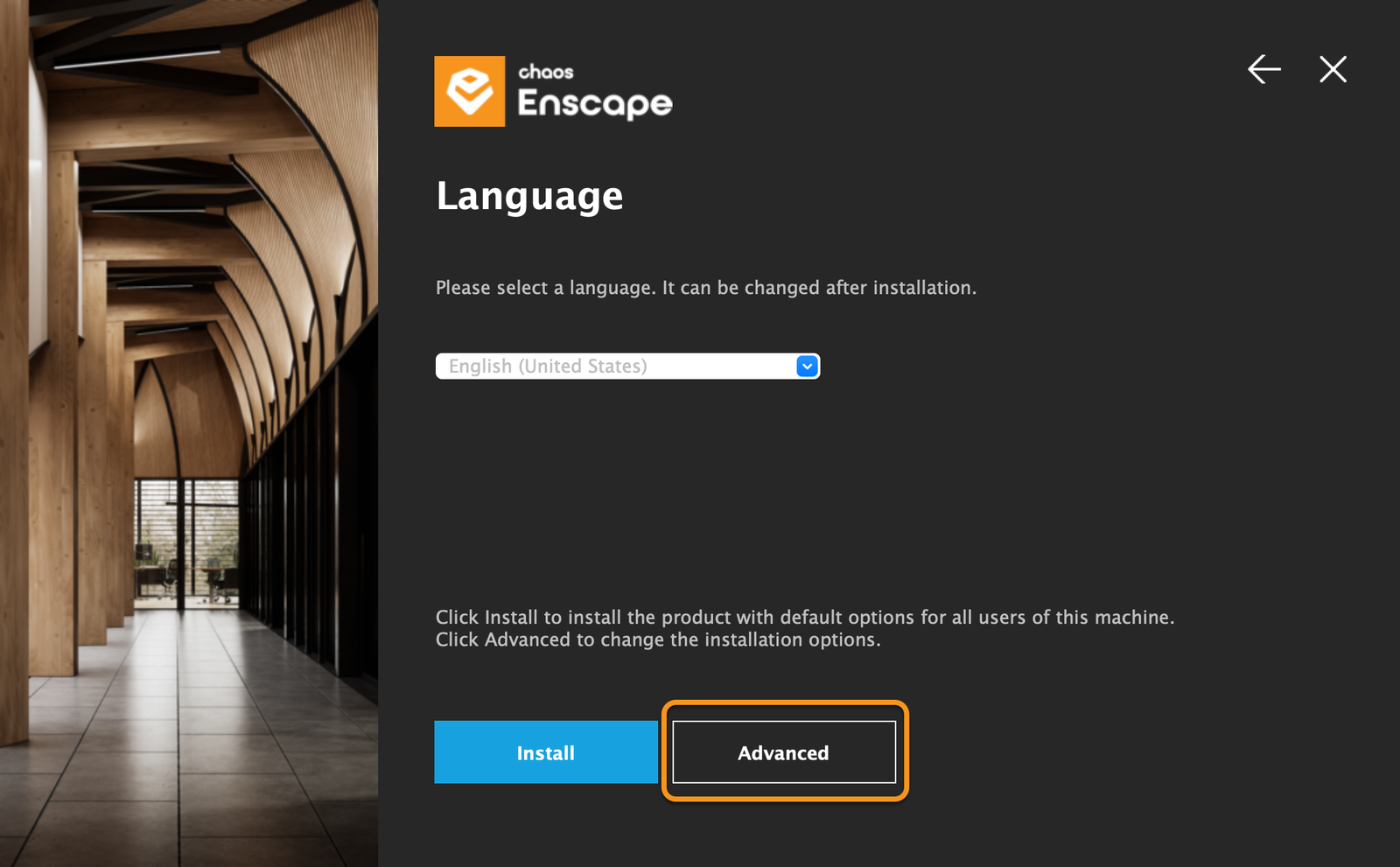
- Internet: Required for License activation & updates
- Software Compatibility: Revit, SketchUp, Rhino, ArchiCAD, Vectorworks (latest versions supported)
Frequently Asked Questions (FAQ’s)
Q1: What’s the difference between the Account & Password plan and the User ID License?
– The Account & Password plan is designed for quick, easy access, while the User ID License offers advanced security, professional features, and multi-device flexibility for teams.
Q2: Are these genuine Licenses?
–Yes, both options are official Enscape subscriptions with full access, updates, and support.
Q3: Does Enscape support both Windows and macOS?
– Yes, Enscape is fully compatible with Windows and macOS (optimized for Apple Silicon).
Q4: Can I upgrade from an Account & Password License to a User ID License?
– Yes, you can upgrade anytime for more security and commercial support.
Q5: What design software is supported?
–Enscape integrates seamlessly with Revit, SketchUp, Rhino, ArchiCAD, and Vectorworks.
Q6: Do I get free updates with my subscription?
– Yes, all updates and new features released within your 1-year subscription are included.
| EDITIONS | SOLO, COMMERCIAL |
|---|