
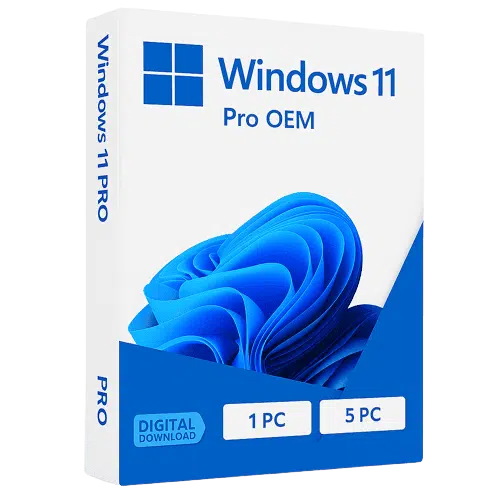

Windows 11 Professional – Advanced OS for Business & Productivity
Introduction to Windows 11 Professional
Windows 11 Professional is a powerful operating system designed for professionals, businesses, and advanced users who require enhanced security, performance, and productivity tools. Developed by Microsoft, this version builds upon the modern interface of Windows 11 while introducing enterprise-level features that streamline workflows and protect critical data.
Whether you are managing a corporate environment, running a small business, or working remotely, Windows 11 Pro offers the flexibility and reliability needed in today’s digital workspace.
Key Features of Windows 11 Professional
1. Advanced Security Protection
Security is a top priority with Windows 11 Pro. It includes:
- BitLocker device encryption for data protection
- Windows Defender Antivirus for real-time threat detection
- Secure Boot and TPM 2.0 support
These features help protect your system from cyber threats, making it ideal for businesses handling sensitive information.
2. Remote Desktop Access
With built-in Remote Desktop functionality, users can securely access their work computers from anywhere. This is especially beneficial for remote teams and IT administrators managing systems across multiple locations.
3. Domain Join & Azure Active Directory
Windows 11 Professional allows seamless integration with business networks:
- Join domains for centralized management
- Connect with Azure Active Directory for cloud-based authentication
This ensures smooth IT operations and improved access control.
4. Enhanced Productivity Tools
The OS is designed to boost productivity with features like:
- Snap Layouts for multitasking
- Virtual desktops for better organization
- Integration with Microsoft 365
These tools help professionals work more efficiently and manage tasks effortlessly.
5. Hyper-V Virtualization
Windows 11 Pro includes Hyper-V, enabling users to create and run virtual machines. This is ideal for developers, testers, and IT professionals working in multiple environments.
Why Choose Windows 11 Professional?
Choosing Windows 11 Pro over the Home edition gives you access to business-grade features such as:
- Advanced data security
- Enterprise device management
- Remote access capabilities
- Virtualization support
It is the perfect solution for companies, freelancers, and IT professionals who need more control and flexibility.
System Requirements for Windows 11 Pro
Before purchasing, ensure your device meets the minimum requirements:
- 64-bit processor (1 GHz or faster)
- 4 GB RAM or more
- 64 GB storage
- TPM version 2.0
- Secure Boot enabled
Meeting these requirements ensures smooth installation and optimal performance.
Use Cases for Windows 11 Professional
Windows 11 Pro is widely used in:
- Corporate environments
- IT and software development
- Remote work setups
- Educational institutions
- Small and medium-sized businesses
Its versatility makes it suitable for various professional applications.
Buy Windows 11 Professional Online
Purchasing a genuine Windows 11 Pro license online ensures:
- Authentic software activation
- Regular updates and support
- Secure transactions and instant delivery
Always choose trusted vendors to avoid counterfeit licenses and ensure compliance with software regulations.


Reviews
There are no reviews yet.